
Visual user guides.
Choose what you want to do. Follow the numbered steps, see the controls in the real app and enlarge the details when you need a closer look.
 OPEN GUIDE ↗
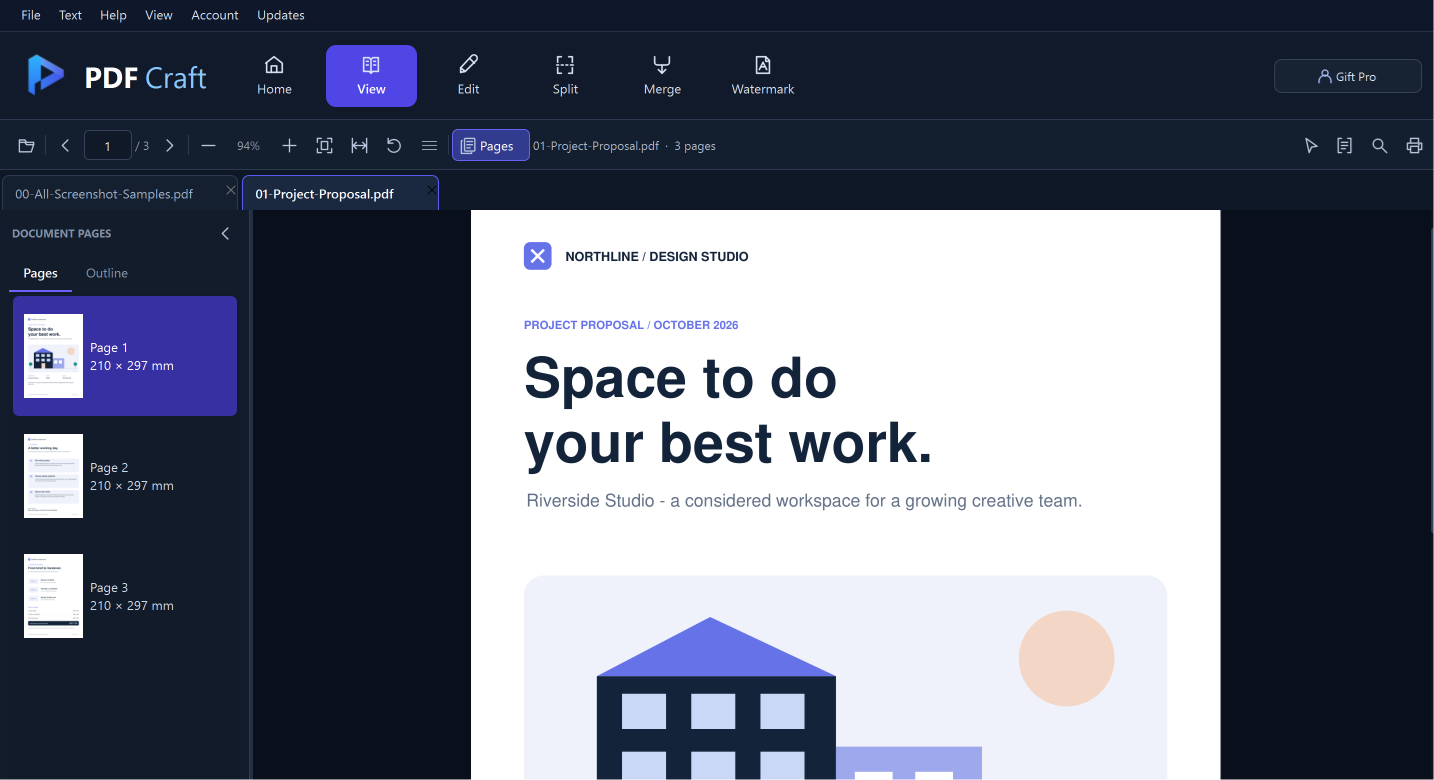
Free PDF reader
Download PDF Craft Free for Windows 11. Open, search, copy text and print PDFs without an account or subscription. Optional Pro tools for editing.
View the steps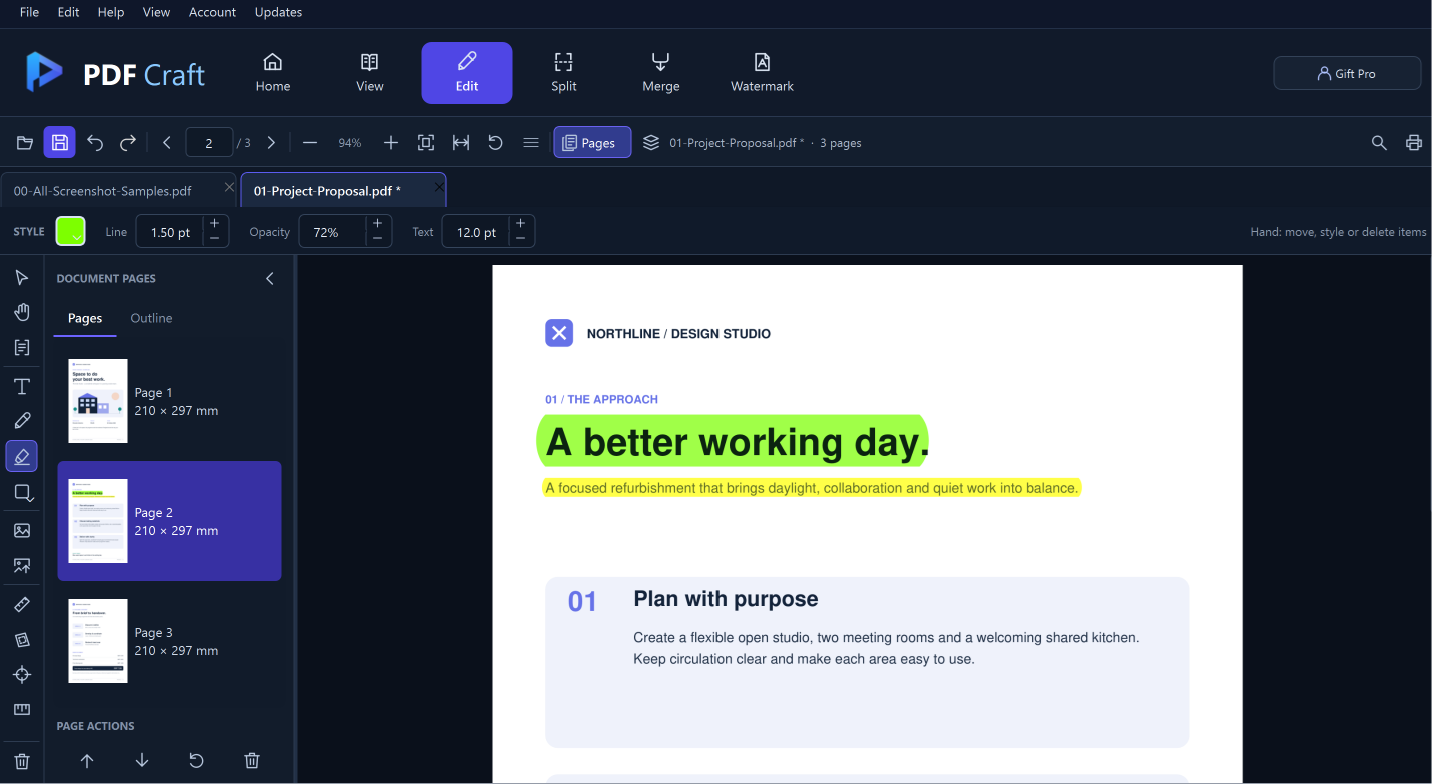 OPEN GUIDE ↗
PDF editor
Edit PDF text and images, highlight pages, add watermarks and organise documents with PDF Craft Pro for Windows 11. Free reading and printing included.
View the steps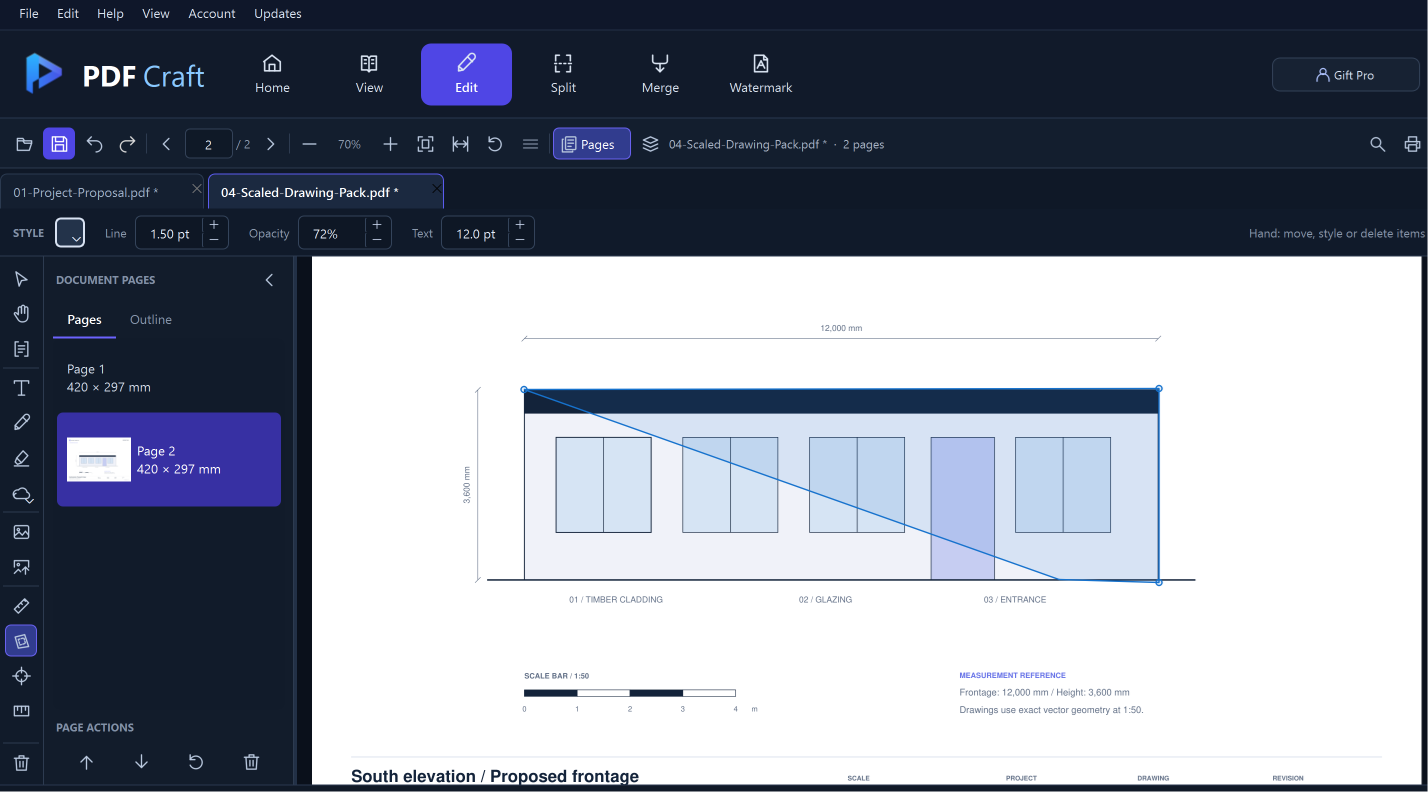 OPEN GUIDE ↗
PDF measurement
Calibrate a PDF drawing, measure distances and areas, and export measurements to CSV with PDF Craft Pro for Windows 11.
View the steps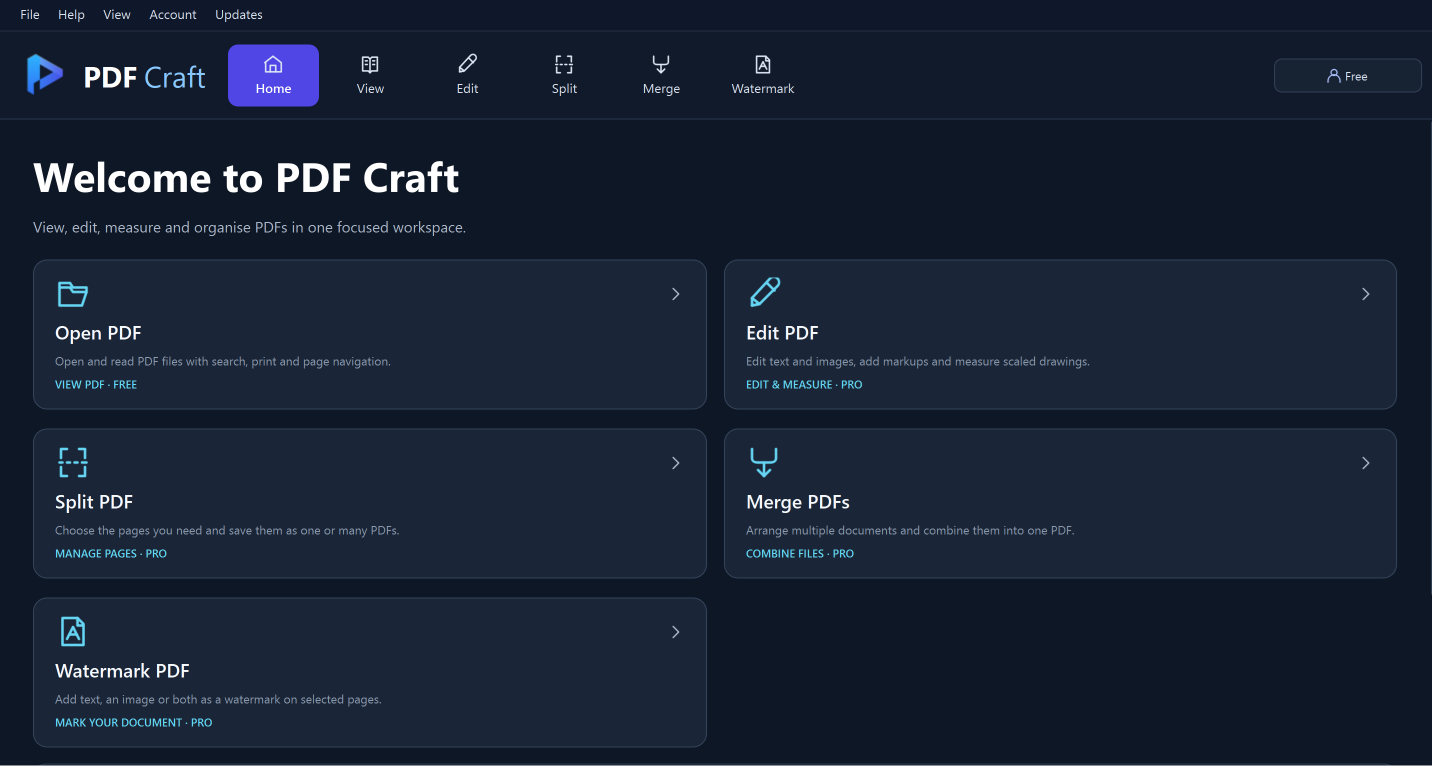 OPEN GUIDE ↗
Acrobat alternative
Considering an Adobe Acrobat alternative? Explore PDF Craft: a free Windows PDF reader with optional Pro editing, markup, drawing measurements and page tools.
View the steps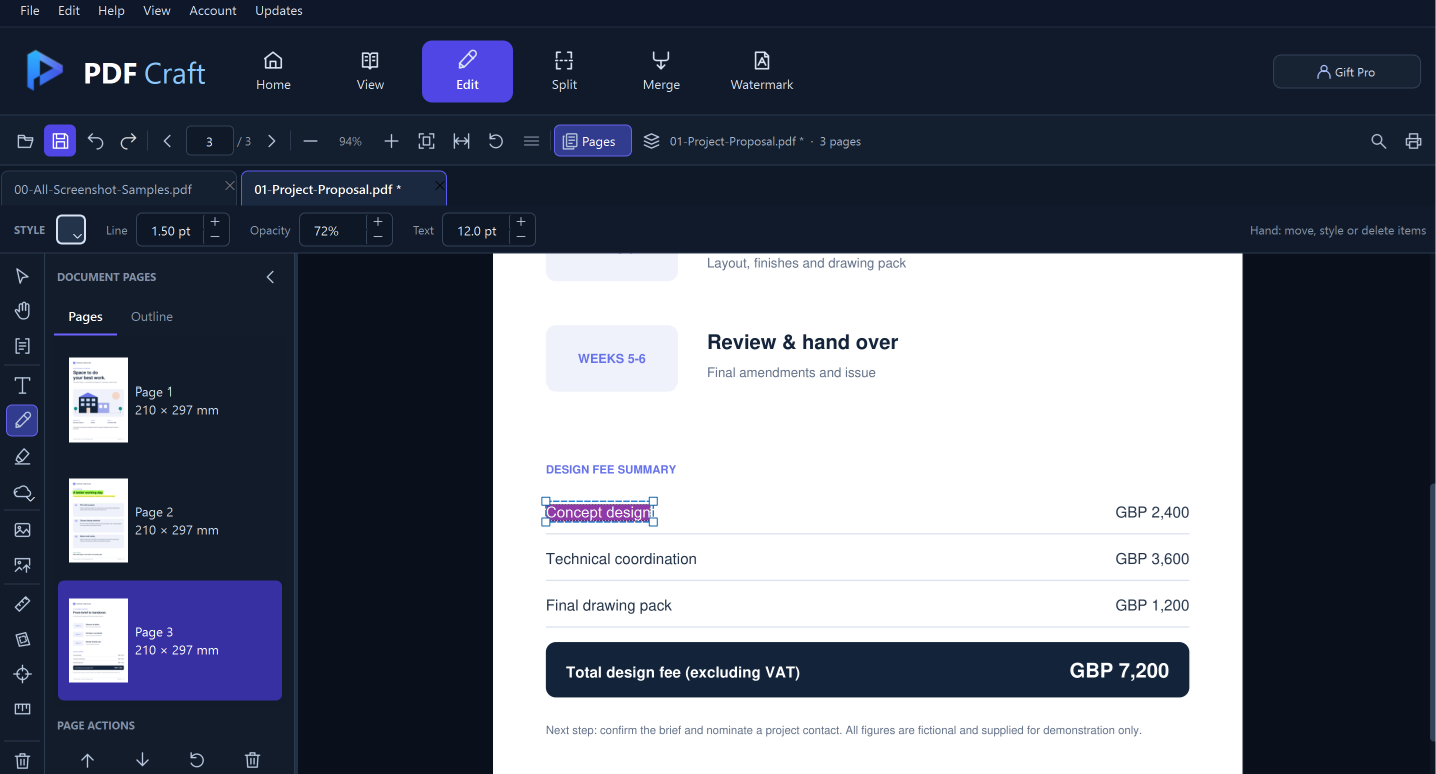 OPEN GUIDE ↗
Edit PDF text
Correct existing PDF text on Windows 11 with PDF Craft Pro. Follow the steps, check scanned-text limitations and save an edited PDF copy.
View the steps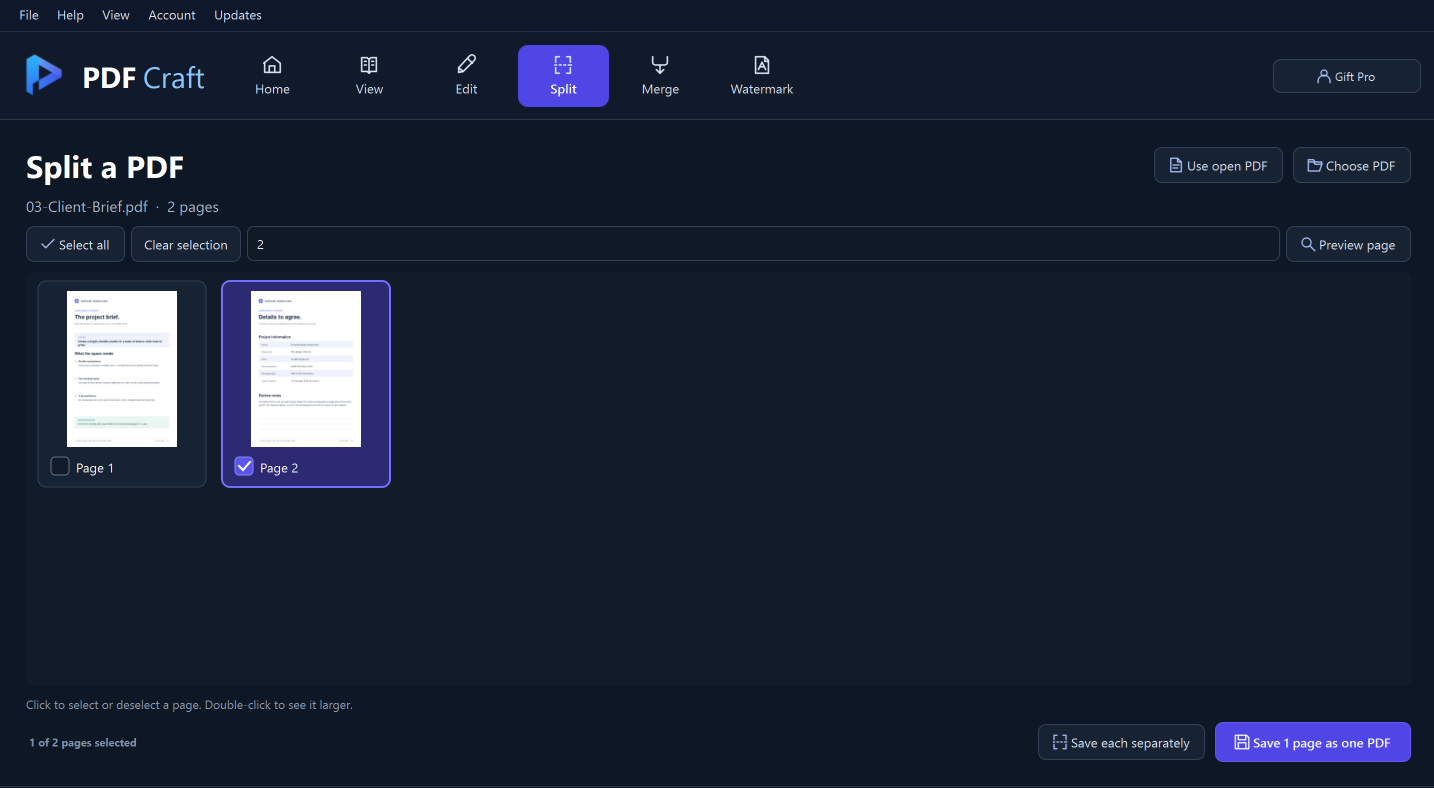 OPEN GUIDE ↗
Split and extract pages
Select PDF pages by thumbnail or range in PDF Craft Pro. Save them as one extracted PDF or separate files, with screenshots and examples.
View the steps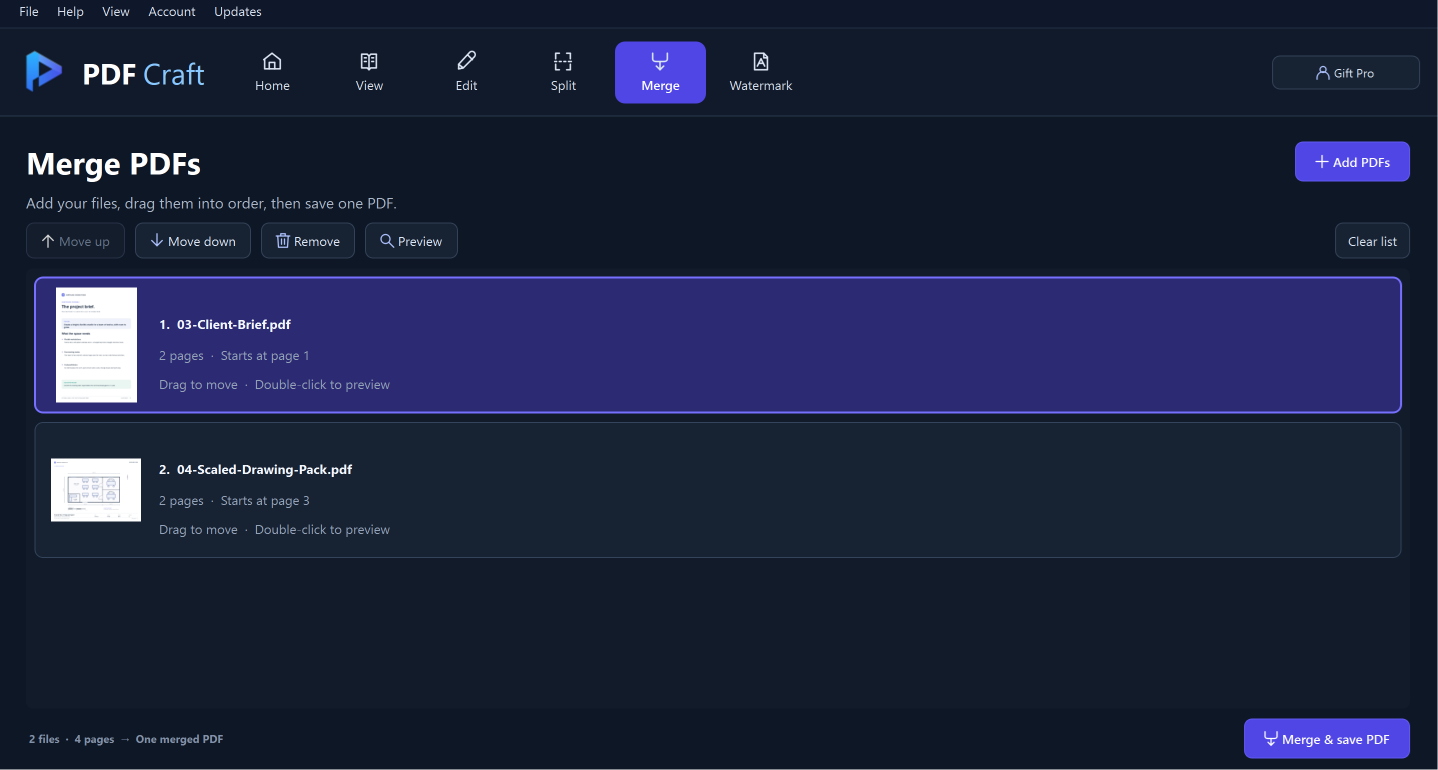 OPEN GUIDE ↗
Merge PDF files
Combine PDF files on Windows with PDF Craft Pro. Preview the files, arrange their order and save one merged PDF while keeping your source files.
View the steps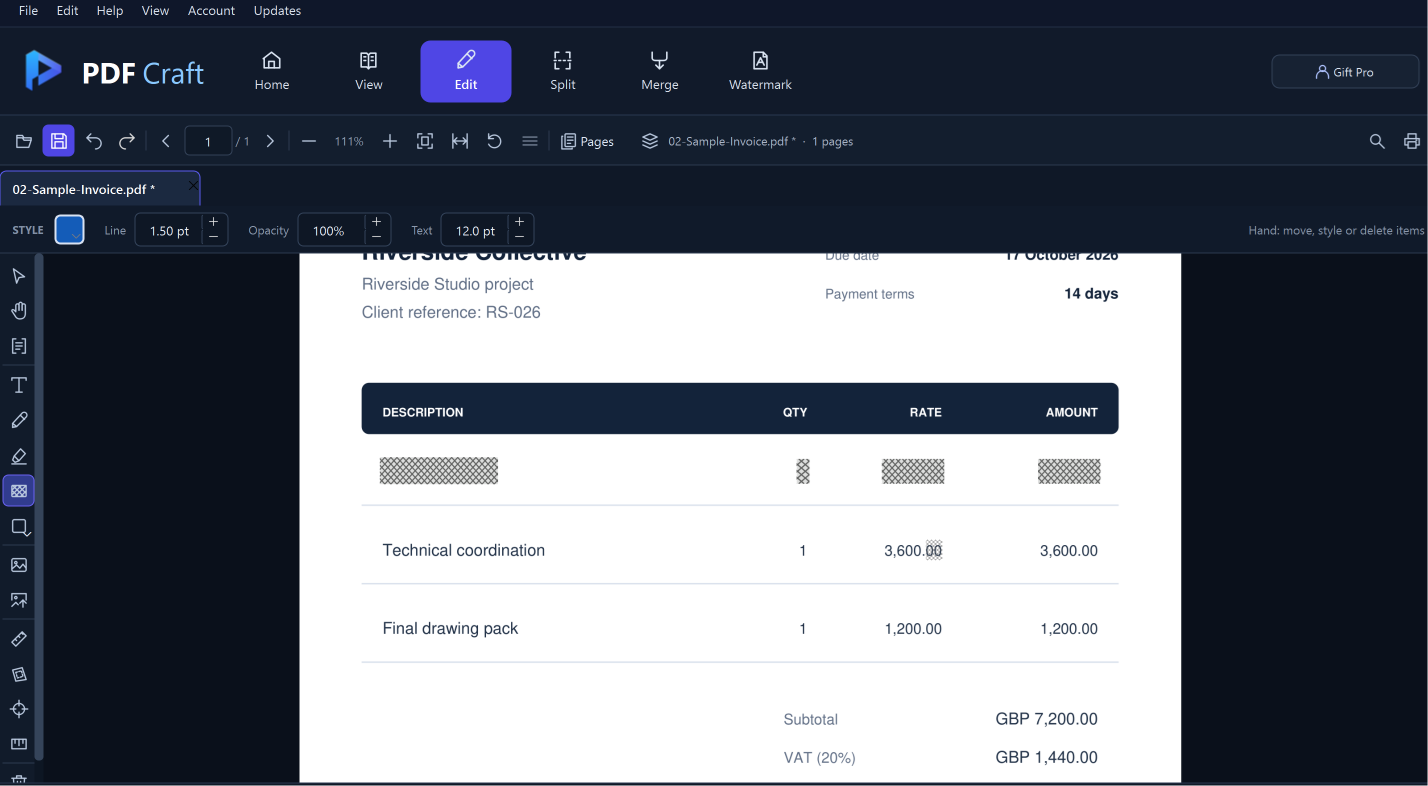 OPEN GUIDE ↗
Redact PDF text
Mark selectable PDF text for redaction in PDF Craft Pro, save a flattened redacted copy and check it before sharing. Includes output limitations.
View the steps