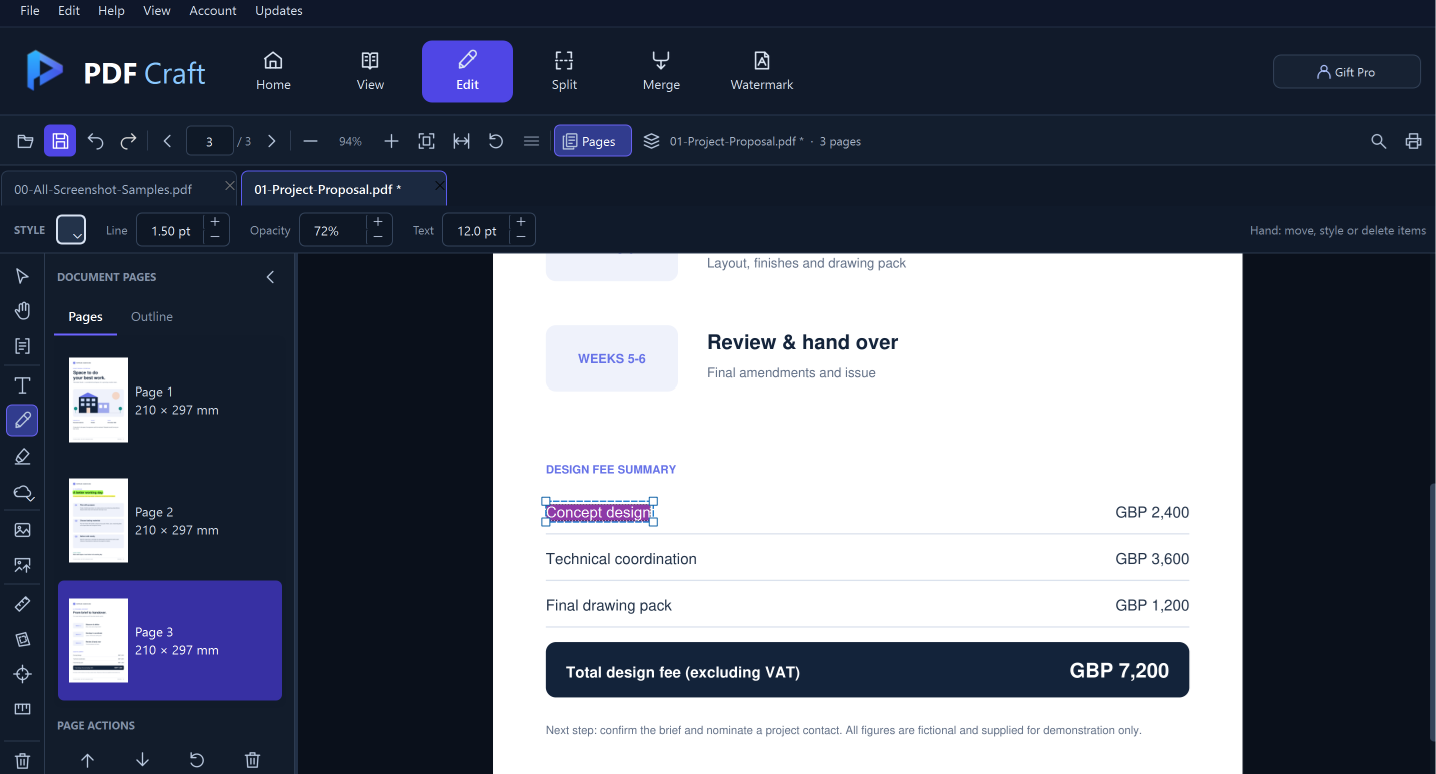
01 / MAKE A CORRECTION
Get the wording right.
Edit the text in your PDF and save your changes.
Explore editing ↗ PDF Craft
Read, search and print PDFs free on Windows 11—no account or subscription needed. Add Pro for editing, drawing measurements and converting PDF to DXF, Word, Excel and JPG.
Windows 11 · Free reader · Optional Pro tools
YOUR PDF WORKSPACE DESIGNED TO KEEP YOU FOCUSED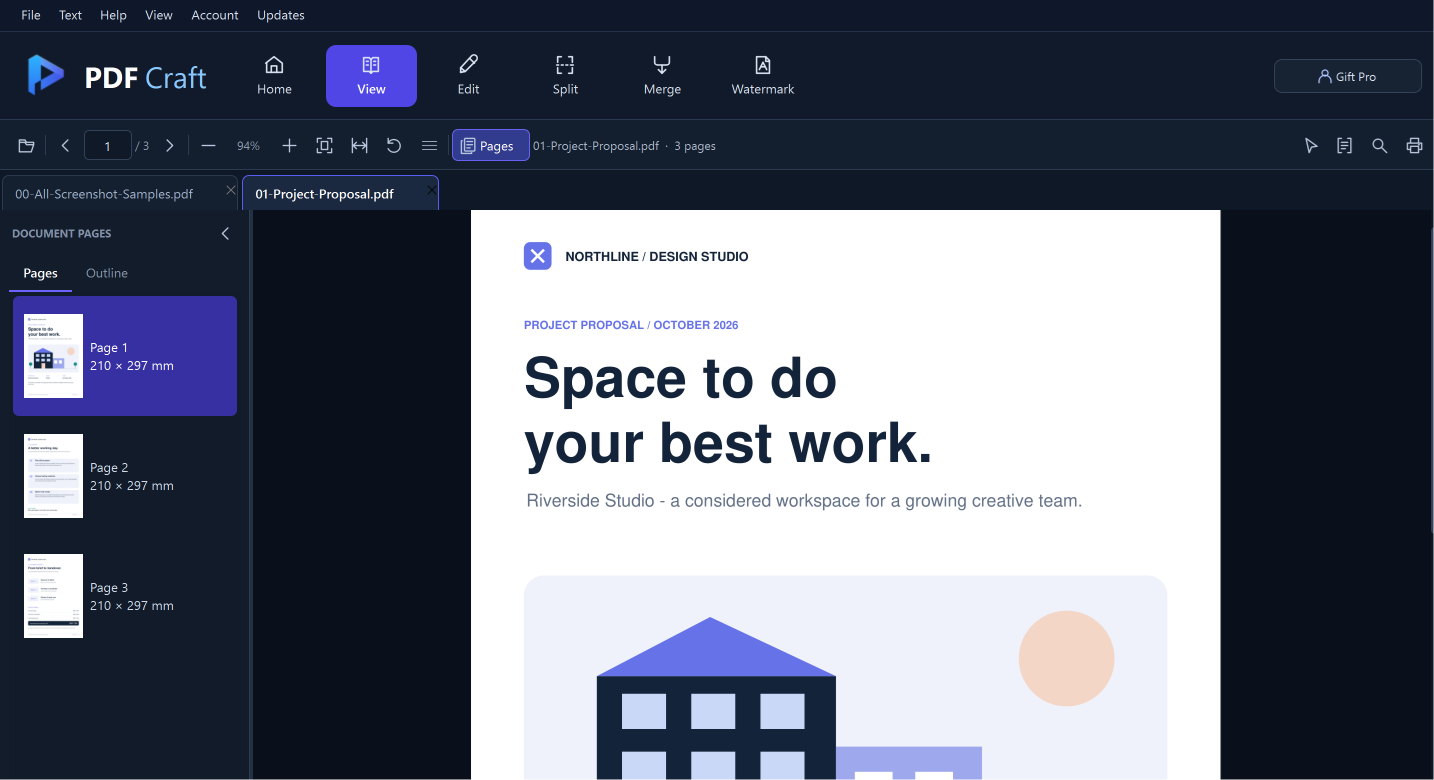 ↗ Take a closer look
Convert PDF to Word, extract tables into Excel, save pages as JPGs or export vector drawing linework to DXF. Choose a converter, select a PDF and keep the processing on your Windows PC.
Requires PDF Craft 1.15.1 or later; check Help → About and update through Microsoft Store. Included in every Pro plan and active trial. Scanned text needs OCR before editable Word or Excel extraction; CAD export uses existing vector linework.
Working towards DWG? See the DXF-to-CAD workflow ↗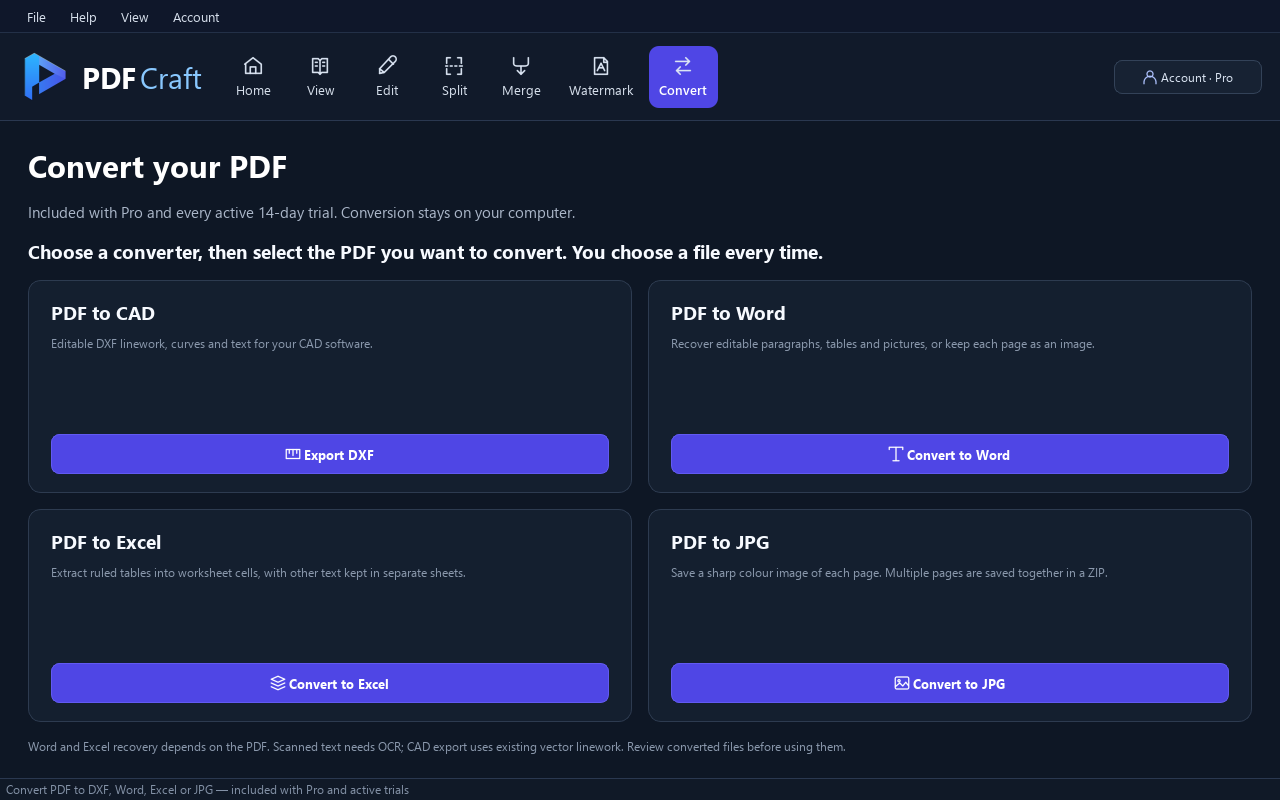 ↗ See the real converters
Get more from PDF Craft with visual user guides. Real app screenshots and numbered steps help you convert, edit, measure and organise your PDFs with confidence.
Explore visual user guides 13 practical guides · Free reader + Pro tools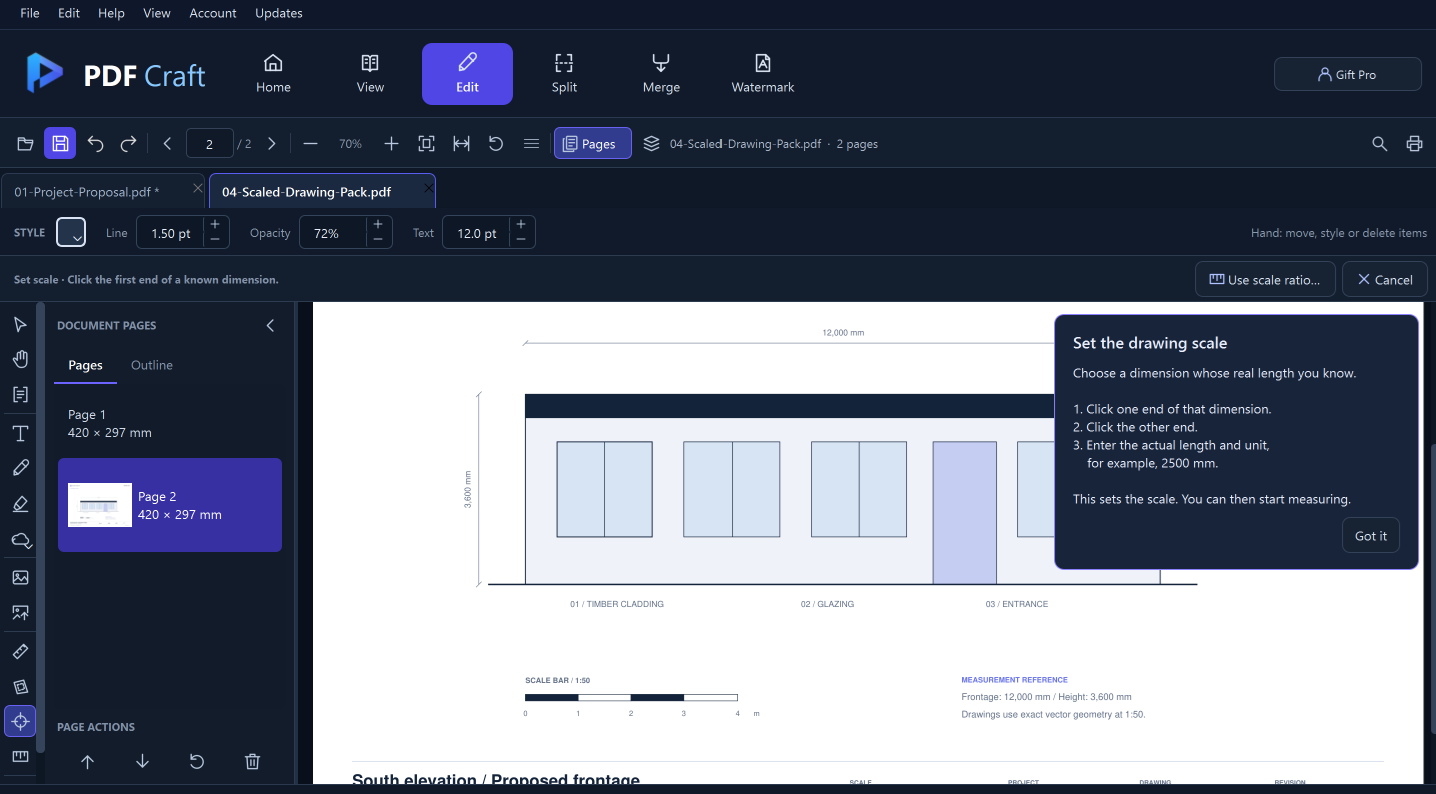 REAL SOFTWARE. STEP BY STEP. ↗
Ten ways to make more of your PDFs.
Explore the real app, one tool at a time.
Read in tabs, scroll through pages, search, copy text and print. No account needed.
↗ Open full resolutionCorrect wording, remove text and work with images. Save your finished document as a PDF.
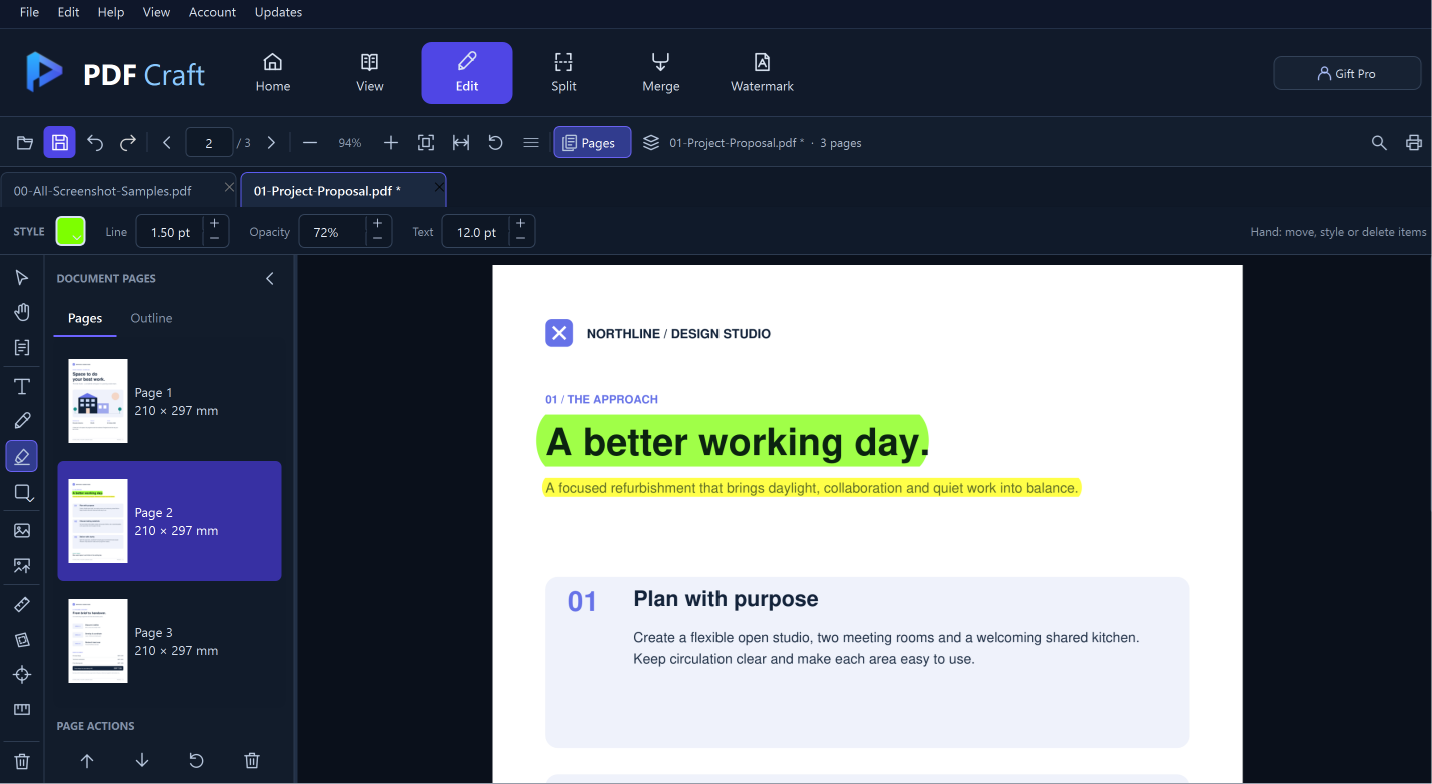
↗ Open full resolutionHighlight passages and add notes, shapes and arrows for a clearer review.
 ↗ Open full resolution
Follow the scale guidance, choose two endpoints and enter their real distance.
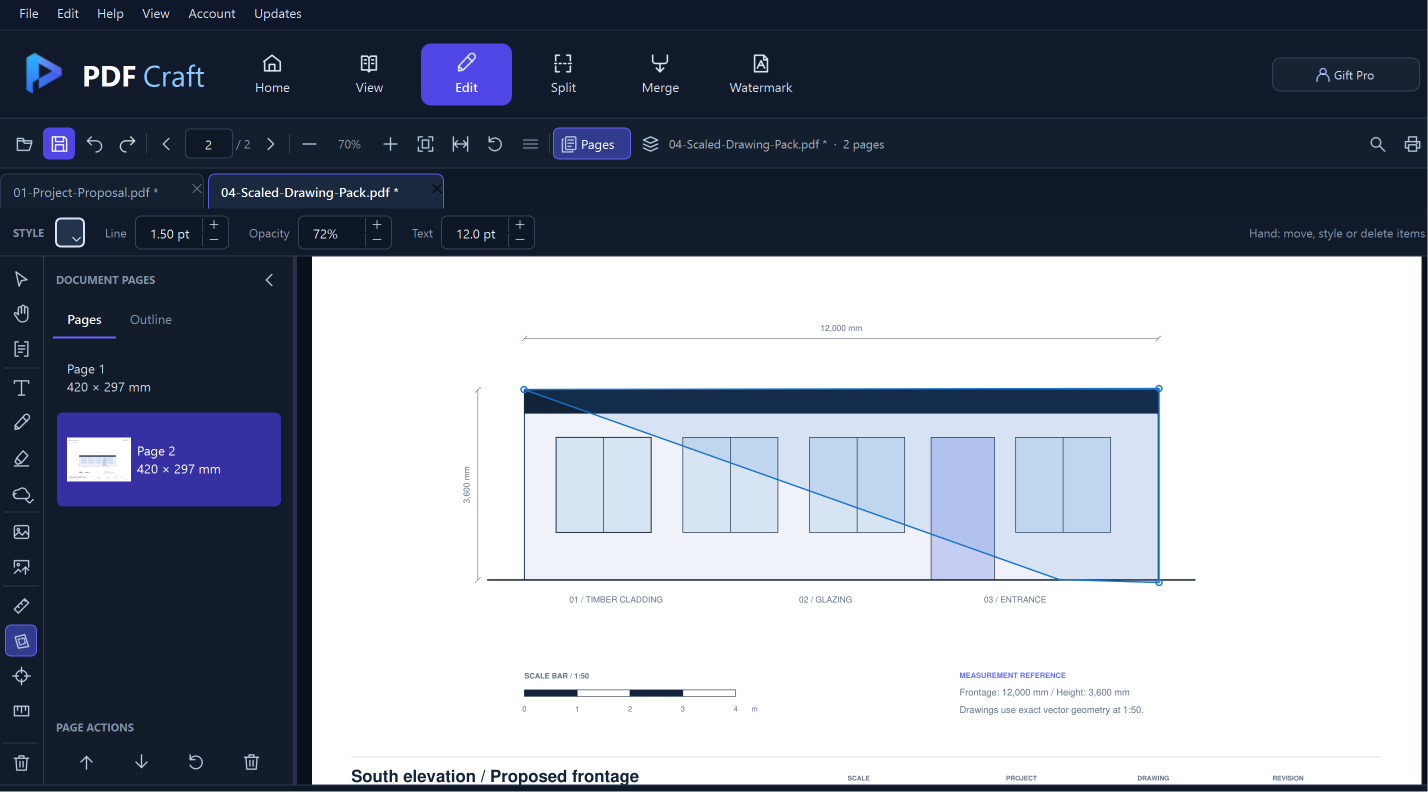
↗ Open full resolutionCalibrate your scale, measure distances and areas, then export measurements to CSV.
 ↗ Open full resolution
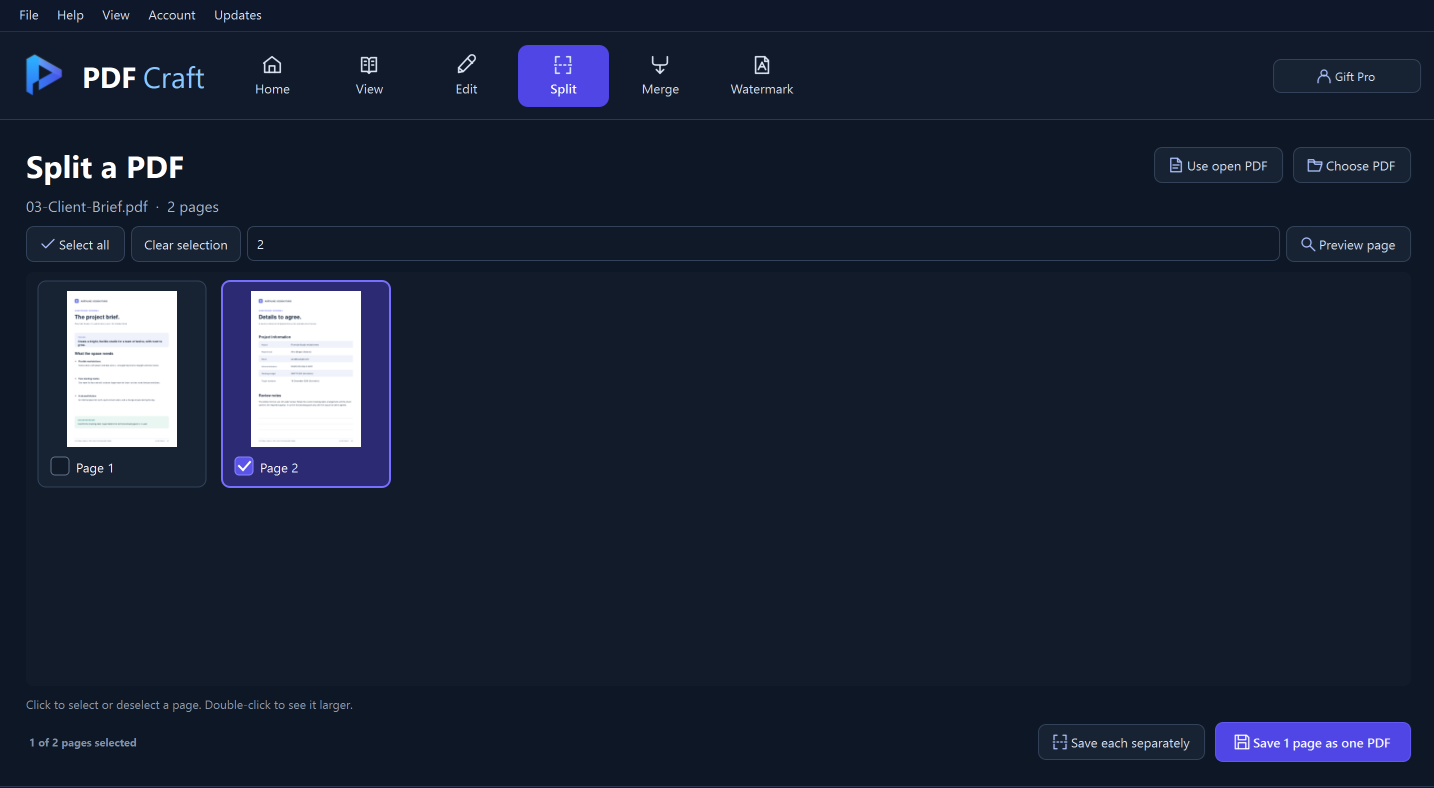
Select pages and save them together or as separate PDFs.
 ↗ Open full resolution
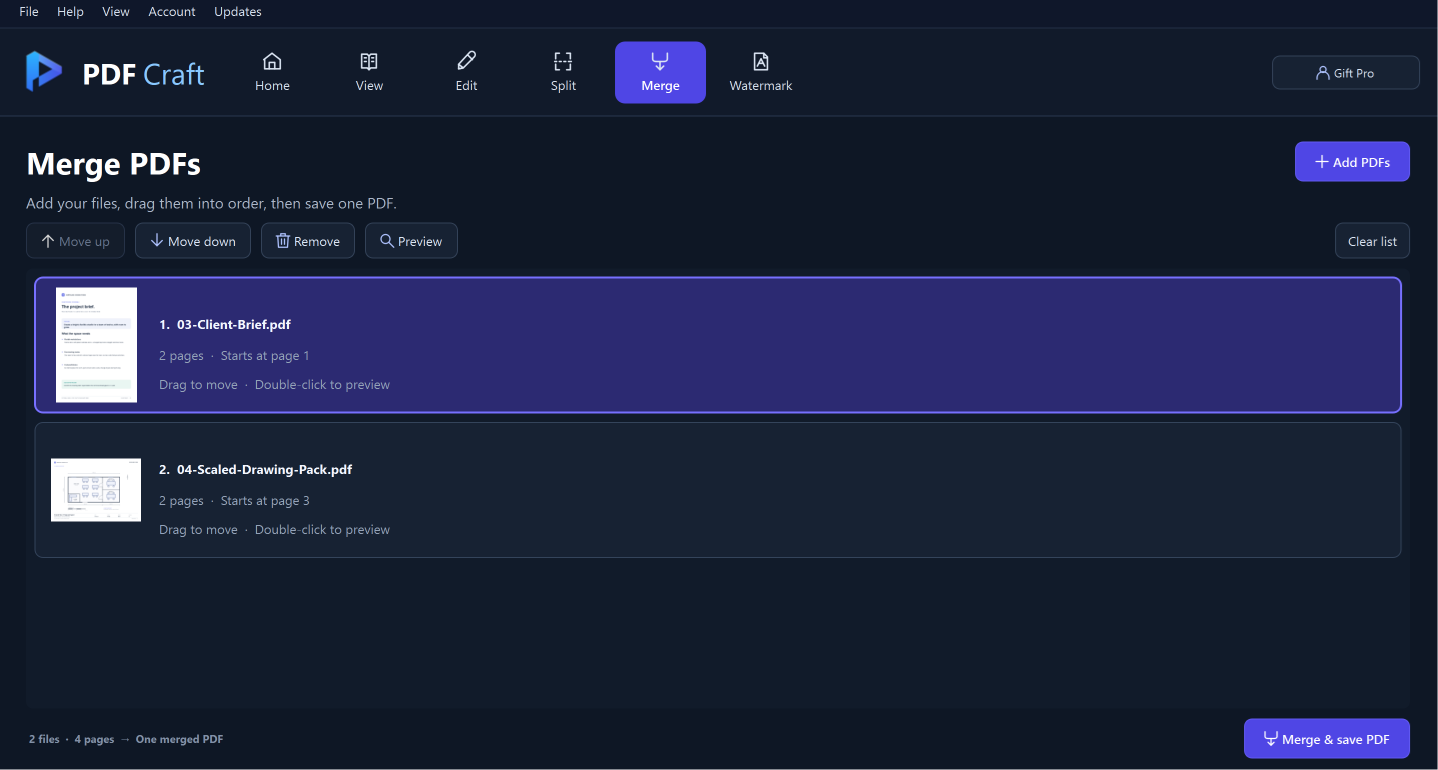
Add your PDFs, arrange their order and save one combined document.
 ↗ Open full resolution
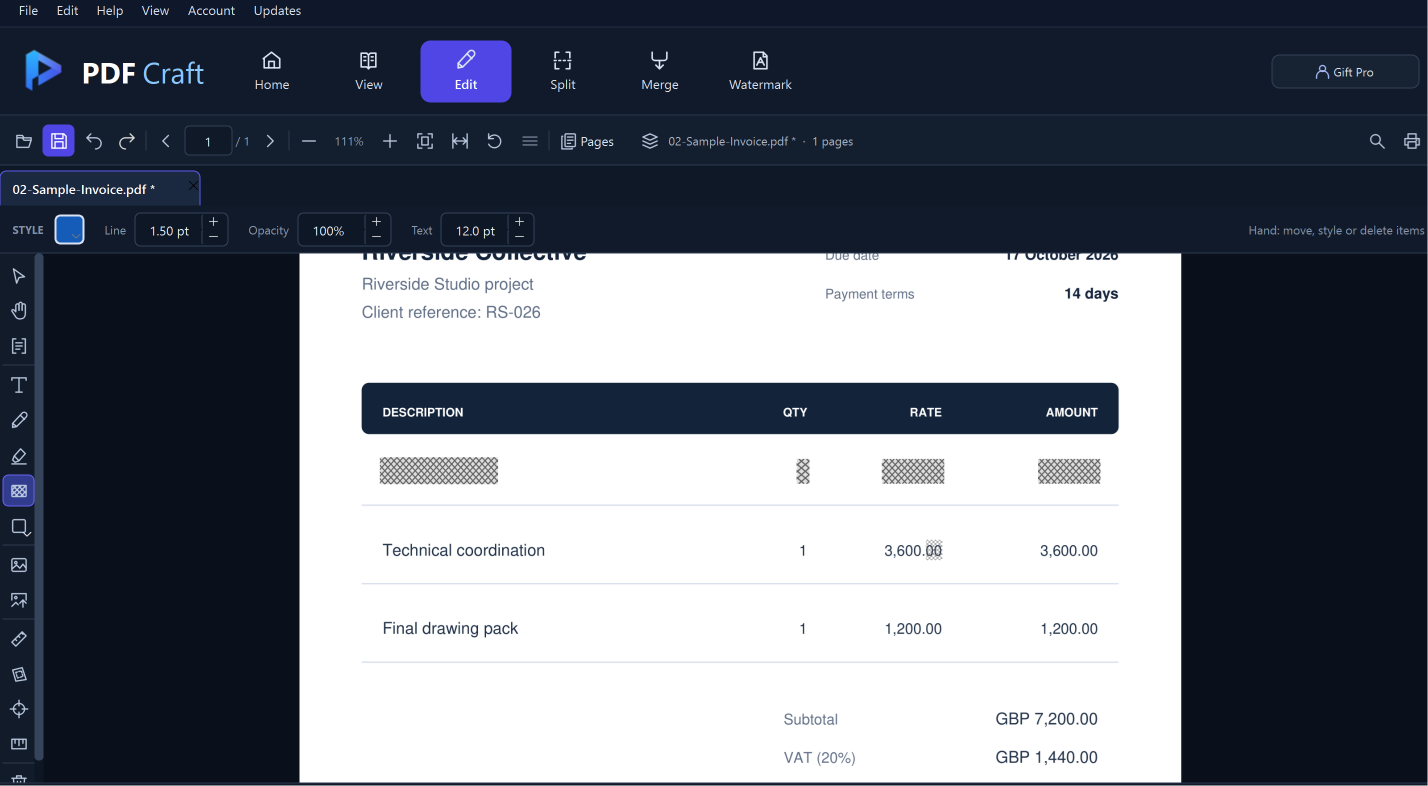
Select text for redaction and save a redacted copy with an opaque pattern in its place.
 ↗ Open full resolution
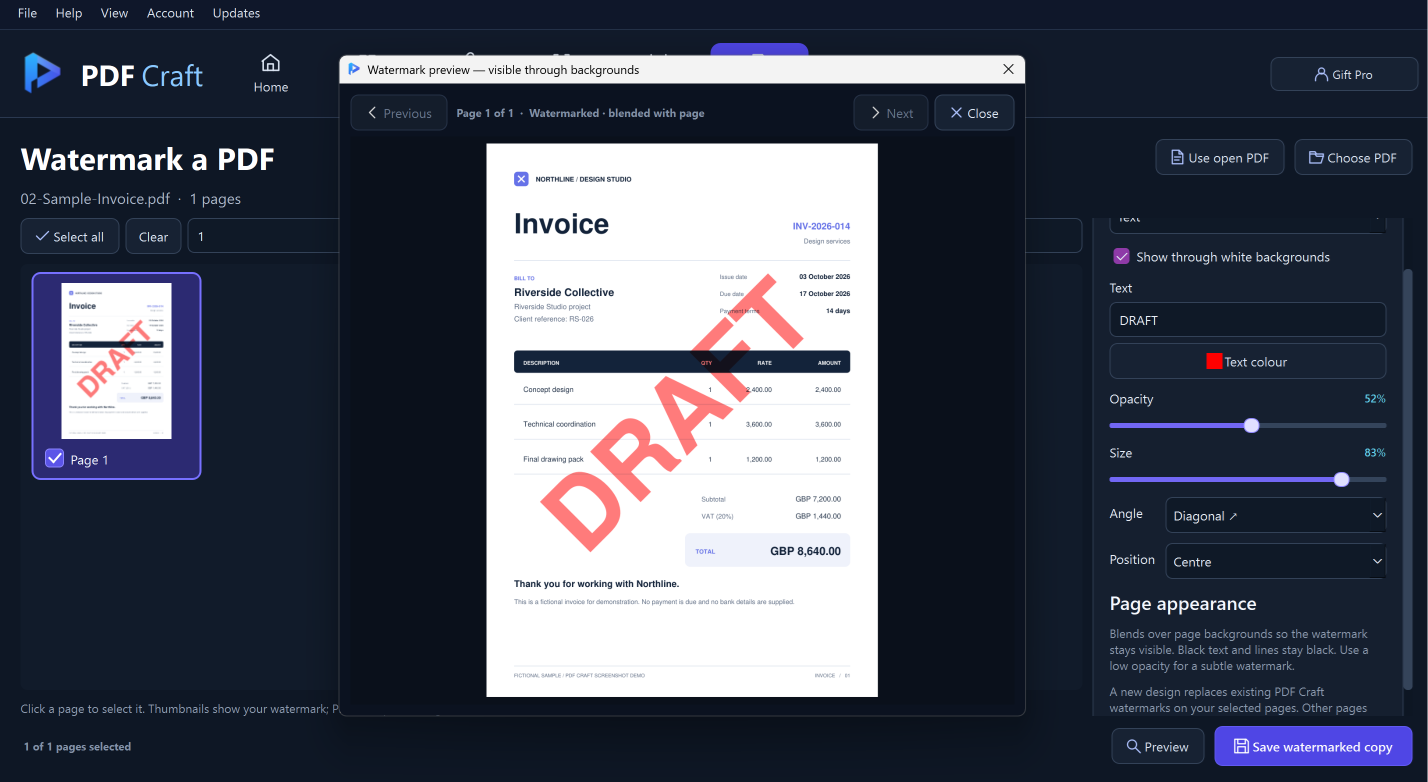
Add a text or image watermark and preview its size, angle and appearance.
 ↗ Open full resolution
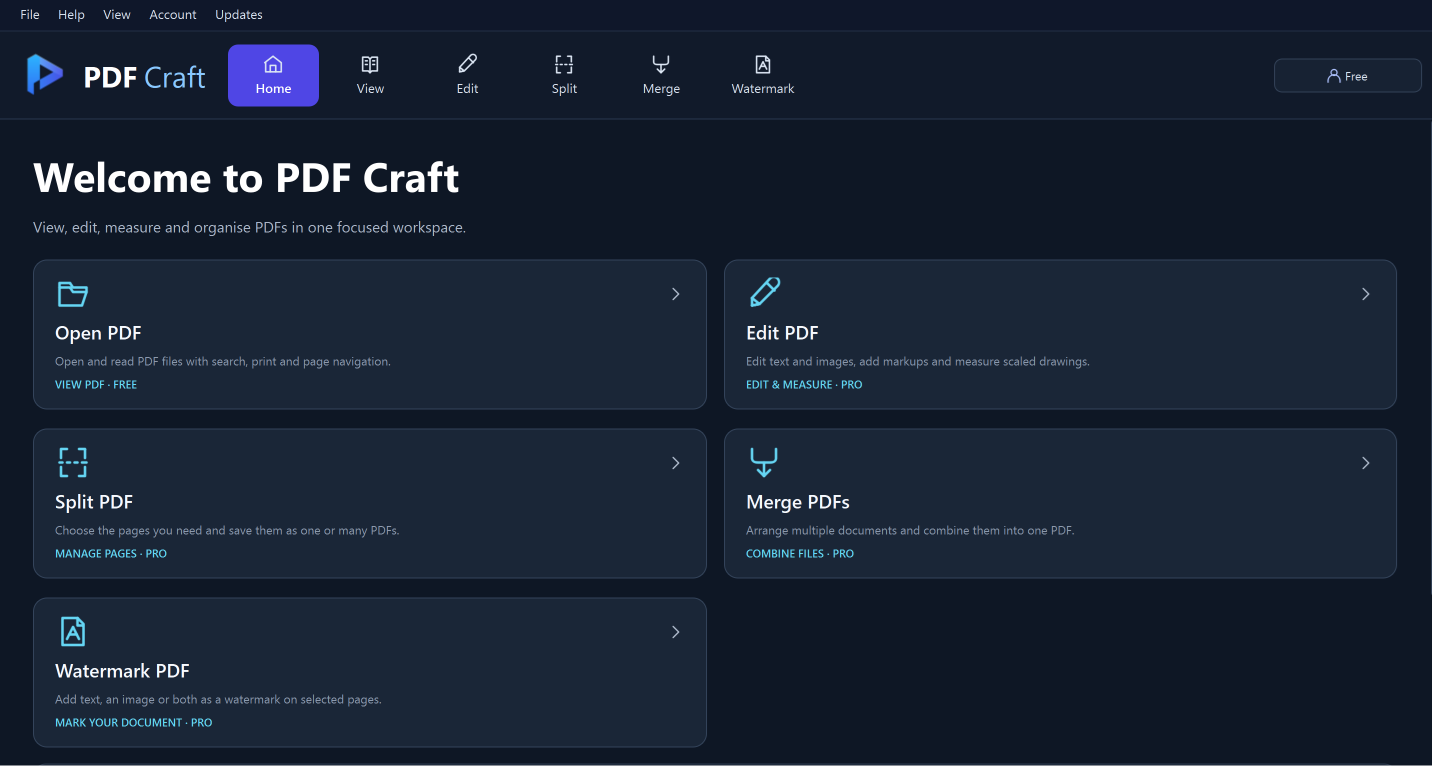
Open a PDF or return to a recent document. Editing and page tools are in the toolbar above.
 ↗ Open full resolution
Take a closer look at the tools for the work that matters. These are details from the actual app.
Edit the text in your PDF and save your changes.
Explore editing ↗Highlight what matters and make your review clear.
Explore markup ↗Remove selected text and save a redacted copy.
Explore redaction ↗A short tour of Free reading and the Pro tools for editing, marking up and measuring.
A feature overview using real app screenshots. No sound needed.
Explore each tool ↗Free reader → Edit & highlight → Measure → Organise → Watermark
Go beyond the words on the page. Set your drawing's scale from a dimension you know, then measure distances and areas.
Everything you need to read and print your PDFs, without an account, payment details or subscription.
Everything in Free, plus your editing toolbox.
You only need a subscription for Pro.
Edit text and images. Add notes, highlights, watermarks and patterned text redaction.
Calibrate drawings, measure distances and areas, and export to CSV.
Split, merge, reorder, rotate and remove pages.
Convert to Word, extract Excel tables, save JPGs and export editable DXF linework.
Choose your Pro subscription. Every plan includes the same Pro features.
The Free reader stays free.
every month
Equivalent to £5.99/month
every 3 months
Equivalent to £5.66/month
every year
Equivalent to £5.00/month
Equip your team with PDF Craft Pro.
Contact us to discuss the people and computers you need to cover.
Contact usOpen, read, search, copy selectable text and print PDFs. No account, payment details or subscription needed.
Text and image editing, markup, calibrated measurement, page organisation, watermarking and redaction. Every Pro plan includes the same tools.
PDF processing happens locally on your PC. Account sign-in, subscription management and licence checks use an internet connection.
Choose a monthly, quarterly or yearly plan and enter a card through secure checkout for an eligible 14-day free trial. Your chosen plan starts automatically after 14 days unless you cancel beforehand in Manage billing.
Cancelling stops the next renewal. Pro continues until the end of the paid period, and Free reading remains available afterwards.
Built for Windows 11, 64-bit. PDFs are processed on your computer. The Free reader needs no account. Each individual Pro account activates one computer at a time. You can switch computers after confirming your password, with up to 24 hours of offline access between licence checks.
Plans renew for the selected billing period until cancelled. Advertised GBP prices include applicable taxes; checkout confirms the total before payment. Eligible accounts and installations can start one free 14-day trial with a payment card. The chosen plan starts automatically afterwards unless cancelled before the trial ends.
Cancel before your next renewal to stop future charges. Pro continues until the end of your paid period. We do not offer voluntary refunds for a change of mind or unused time; consumer rights and Paddle’s applicable refund terms remain unaffected.
How subscriptions work · Refunds & cancellation · How we handle your information
Get in touch: [email protected]